Key Takeaways
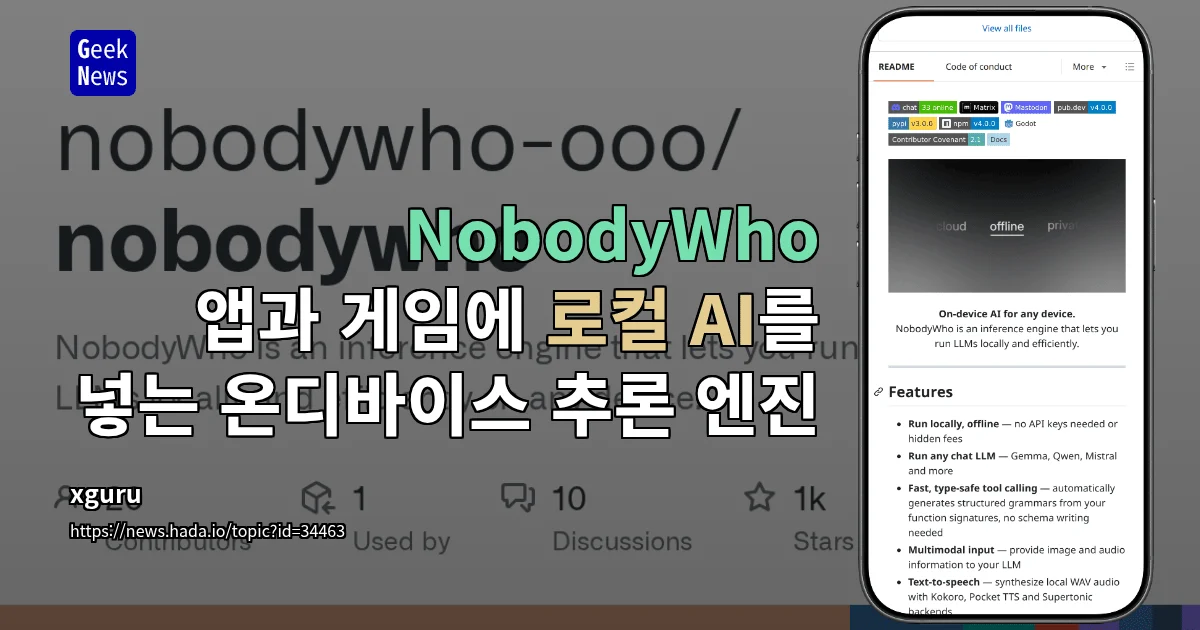
- NobodyWho is an open-source on-device inference engine that runs AI models directly on the user’s device instead of through cloud APIs, designed to embed chat, image understanding, and voice capabilities into apps and games.
- Once the model is downloaded, subsequent execution requires no internet connection or API key, and user input is processed on-device rather than transmitted to external servers.
- It integrates easily across a range of development environments including Python, enabling local AI workflows that do not depend on cloud-based LLM APIs.
A practice-focused analysis introducing NobodyWho as a local AI integration option that lets developers reduce cloud API dependency and solve cost, privacy, and latency challenges at the same time.
Table of Contents
On-device AI has moved from buzzword to a genuinely usable option. As API call costs increasingly eat into revenue, developers are turning their attention to local AI inference engines that, once downloaded, keep running without an internet connection. Right in the middle of that wave sits NobodyWho.
NobodyWho is an open-source AI engine that runs AI models directly on the user’s device. Once the model file is downloaded, no network connection or API key is required afterward. Its goal is to port capabilities like chat, image understanding, and voice straight into apps or games. It is designed for easy integration across multiple development environments including Python, and input data never leaves the device.
The point I find most meaningful about this project is the avoidance of pricing policy risk. Cloud APIs from OpenAI and Anthropic change prices frequently and impose usage limits. There have already been more than a few cases where token costs ate into revenue as services grew. An approach like NobodyWho that runs the model locally only costs the initial download, with near-zero variable cost thereafter.
How On-Device AI Works — Download Once, Done
NobodyWho’s execution flow is simple. At the first run, the model file is downloaded to the device, and all subsequent inference is processed by that device’s CPU, GPU, and NPU. The text and images a user inputs are not transmitted to external servers, and responses are generated locally. The result is network latency that is effectively close to zero.
There are specific cases where this architecture really shines. Workloads such as medical and legal tasks where data must not leave the device, and industrial tools that run in environments with unstable internet. The fact that what a user inputs is recorded nowhere is a decisive advantage in regulated environments like GDPR and HIPAA.
Five Developer Comparison Axes
When deciding whether to adopt on-device AI, the most frequently compared dimensions are cost, latency, and privacy. Here they are summarized in a single table.
| Category | Cloud API | On-Device AI (NobodyWho) | Hybrid |
|---|---|---|---|
| Upfront Cost | Low | Model file download | Medium |
| Operating Cost | Per-token billing | Near zero | Varies by workload |
| Network Latency | 200ms to several seconds | Effectively none | Varies by case |
| Data Sovereignty | Transmitted to server | Processed on-device | Sensitive data stays local |
| Offline Operation | Not possible | Supported | Partially supported |
As the table shows, on-device AI holds the advantage across all three axes of cost, privacy, and latency. The trade-off is that it adds hardware requirements on the device and consumes storage equal to the model size. A 7B parameter model is roughly 4–5GB, and larger models take up more. Compatible models and the device list are available in the original NobodyWho article.
Limits You Must See Before Adopting On-Device AI
Honestly, local inference is not the answer for every workload. Model quality itself often falls short of top-tier cloud models even at the same parameter count. The gap is especially clear on tasks that demand strong reasoning or multilingual processing.
Battery and thermals also matter. Running a 7B model continuously on a mobile device drains the battery quickly and makes the device noticeably hot. At the user experience design stage, it is wise to predefine when to route to local and when to cloud. As NVIDIA also pointed out the drift failure mode in which agents do not fully control themselves in its agent safety platform report published on September 28, 2026, on-device AI controls must go hand in hand with sandboxing and permission separation design.
Practical Application Points
- At the PoC stage, separate workloads where data sovereignty matters (notes, medical, legal) as candidates for local inference.
- Pre-measure download time, storage footprint, and battery consumption per model size as a device matrix.
- From day one, assume a hybrid that automatically routes non-sensitive tasks to the cloud and sensitive inputs to on-device AI.
- When adding agent-style capabilities, keep sandbox and tool-call permission scopes in a separate specification.
- Separate the model update channel from production environments and put a rollback-capable version management system in place.
Hybrid Design Is the Realistic Answer
There is always a gray zone between purely local and purely cloud. Engines like NobodyWho shine brightest as the tool that fills that gray zone. A user’s text input is first classified locally, and only when the classification is ambiguous is it sent to a larger model in the cloud.
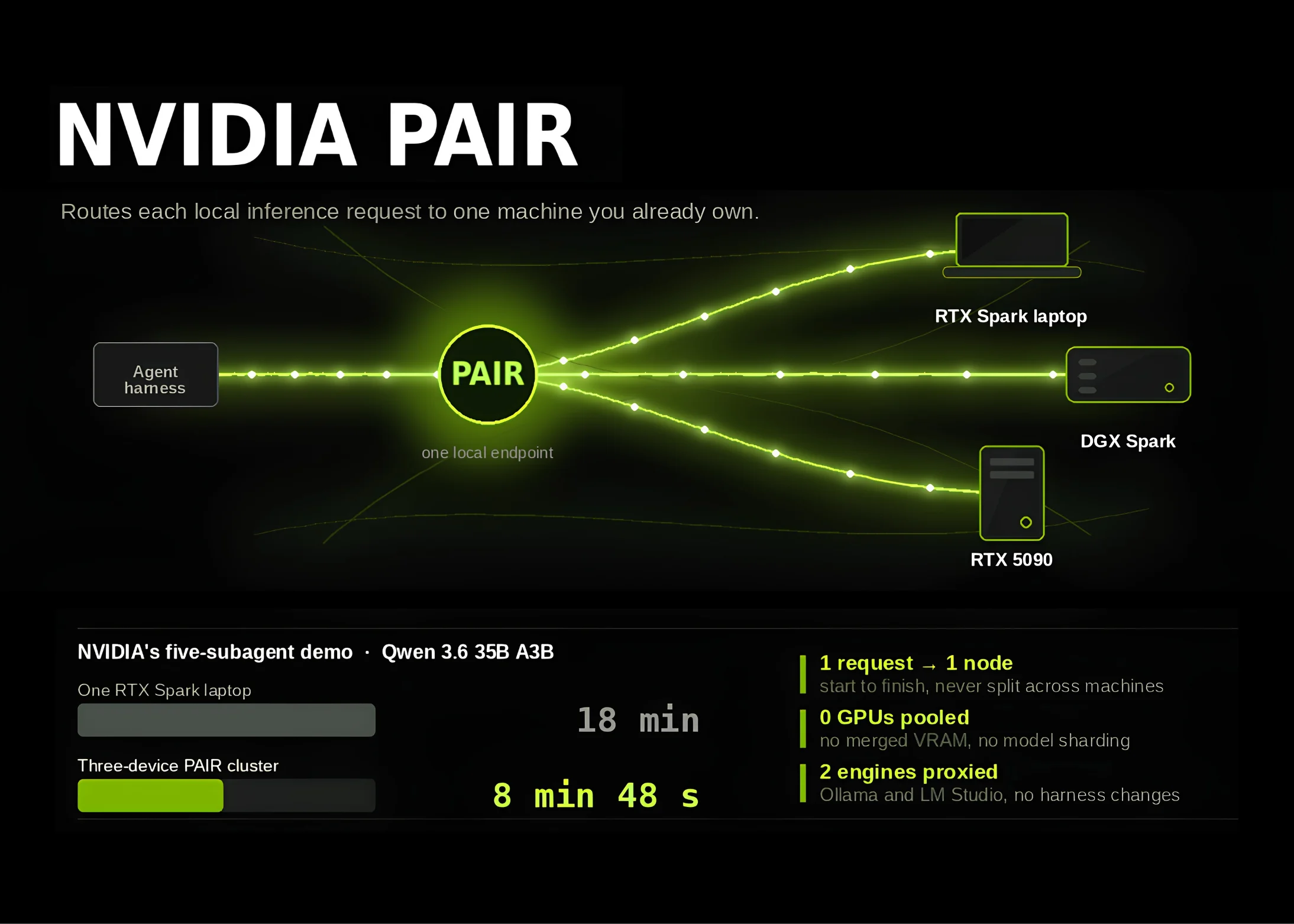
The key to this design is sensitivity-based routing. Prompts containing personal information are processed strictly locally, while general Q&A can go to the cloud. It is the most realistic pattern for capturing both cost and privacy at the same time. Local inference routing itself was also addressed in a different way in the NVIDIA PAIR launch analysis.
What to Try Right Now
- Check the release notes and the compatible device list in the NobodyWho GitHub repository.
- Pick the single workload with the largest API call cost in your current service and mark it as a local-conversion candidate.
- Tabulate the average input/output token count and response time SLO for that workload.
- Shortlist two to three open-source models at the same parameter tier and run device-specific benchmarks.
- Write a sandbox and permission separation guide for the internal PoC environment first, then integrate the model.
Who Should Adopt Now, and Who Should Wait
There are roughly two types of teams for which adopting on-device AI right now is worthwhile. Teams whose API costs are eroding revenue, or teams for whom data leaving the device is itself a business risk. On top of that, teams building products that must work in offline environments get an even higher priority.
Conversely, services whose core is large context or complex reasoning are still better off using top-tier cloud models. The set of workloads replaceable with sub-13B on-device models is limited. Local inference delivers results when treated as a partial-replacement strategy rather than a full one.
Frequently Asked Questions
What models does NobodyWho support?
It is designed to support a broad range of mainstream open-source LLM formats along with image and voice models. The fastest way to check the concrete compatibility list is in the repository’s release notes. Device requirements may differ depending on the model file format.
Can on-device AI eliminate API costs entirely?
Migrating every workload to local is difficult. A realistic approach is to convert gradually, starting with low-sensitivity and low-complexity tasks. Meaningful savings require re-drawing the cost structure with a hybrid setup as a premise.
Is data really not transmitted externally?
NobodyWho itself does not send user input outside. However, telemetry or analytics modules may be added during app integration, so it is safer to verify the code paths directly before deployment.
Does on-device AI work on mobile too?
It depends on model size and device specs. 1–2B parameter models run on mid-to-high-tier mobile chipsets, but 7B and above bring significant heat and battery drain. Pre-validation based on a device matrix is essential.
The fact that open-source AI engines like NobodyWho are growing means that ‘when local, when cloud’ is no longer a question of options but a design problem. In my view, the most important thing right now is not choosing the model, but reaching a team-internal consensus on the criteria that divide on-device AI from cloud. Once that criterion is set, NobodyWho becomes the tool that translates that criterion into code.
Source Reference
This article was prepared after reviewing the following original: geeknews — NobodyWho – An On-Device Inference Engine for Embedding Local AI in Apps and Games