
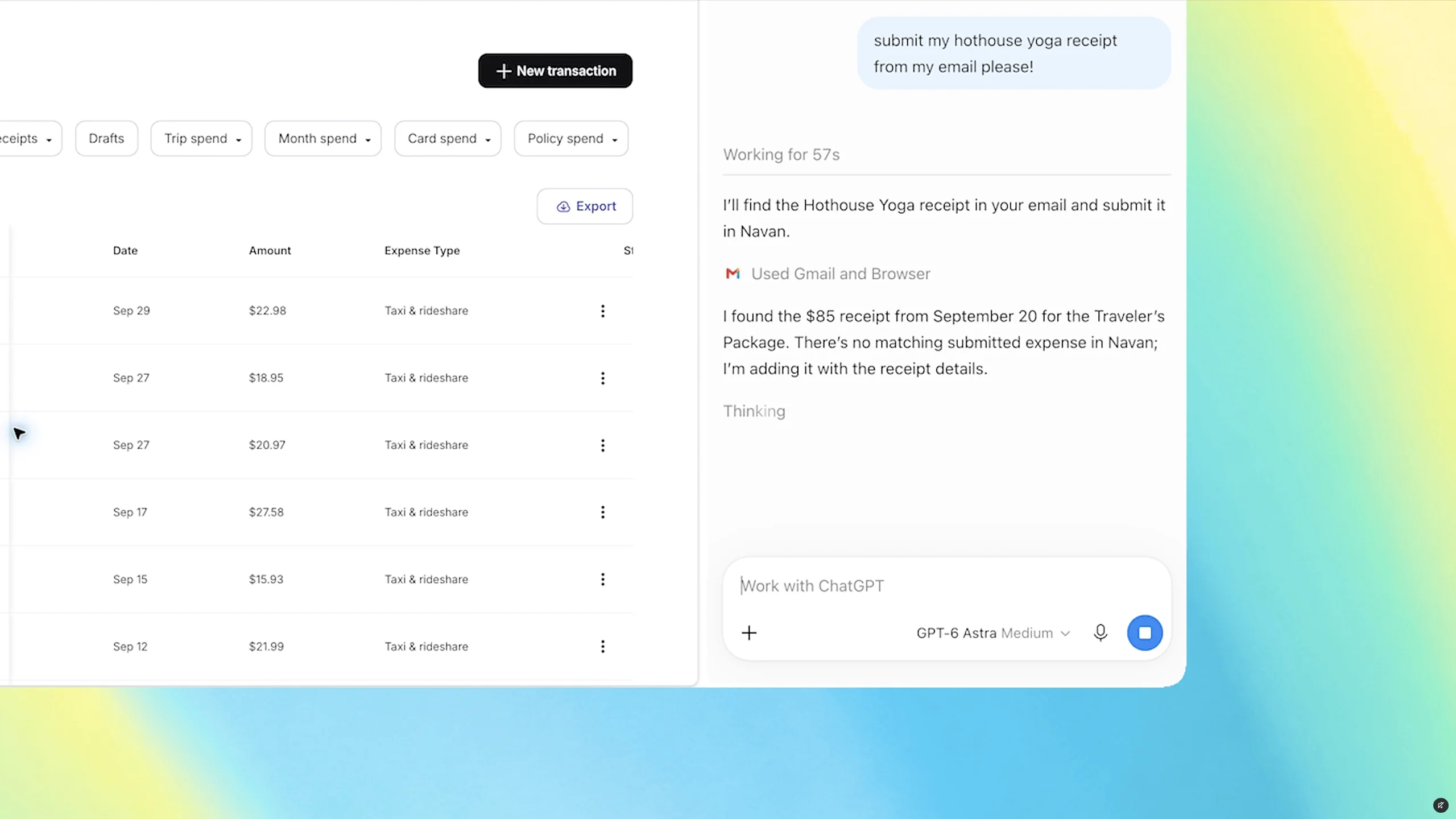
OpenAI has expanded the ChatGPT Chrome extension’s ability to use browser tabs that are already open. When a user tags Chrome from the ChatGPT web or desktop app, the extension can reference open tabs, while ChatGPT Work can perform certain tasks directly.
Chrome Tab Access for Comparing and Organizing Open Tabs
The central feature goes beyond answering questions by drawing on the user’s browser context. In a public demonstration, OpenAI showed users tagging several tabs with sofas under consideration and asking ChatGPT to compare them.
In practice, users can compare services across multiple vendor tabs and organize the prices, key features, and source links into a comparison table. The examples also included selecting a contractor for a home renovation and drafting an email to send to that contractor. This approach handles tab information that previously had to be copied and organized separately within a single workflow.
Execution Boundaries for Form Filling and Calendar Events
Chrome tab access also applies to form entry. One example involved entering details from event guidance into a registration form while stopping just before submission. For a dental appointment, users can ask ChatGPT to enter information into an already-open form and then add the resulting appointment to both work and personal calendars.
Stopping execution at stages that have an external impact, such as submission or transmission, is an important factor in determining the scope of automation. While tab-reading capabilities can reduce comparison, organization, and data entry, it is prudent to retain a process that allows users to review the content before the final submission.
Sidebar and Tab Controls in ChatGPT Work
The updated sidebar allows users to access ChatGPT features and the full history of Chat or Work conversations without leaving the current webpage. Rather than seeking out a separate standalone browser, users can continue the conversation within the familiar Chrome interface.
ChatGPT Work supports not only sending messages, completing forms, and downloading files, but also organizing open tabs or grouping them together. This means the extension has expanded beyond a simple tab information lookup tool into a browser control layer. More details about the features and their scope are available in The Verge’s report.
The utility of this feature lies in reducing copying, pasting, and movement between tabs. However, the stage at which ChatGPT chooses pages to view should be distinguished from the stage at which users approve the actual task. In particular, requests involving sending messages, submitting forms, or downloading files require confirmation of the access target and execution scope before approval.
Source Article
This article was prepared after consulting the following source: The Verge — ChatGPT can peek at your Chrome tabs now
Leave a Reply